“Ultimate Guide: How to Position Your Wearable Device for Maximum Accuracy – Step-by-Step Instructions!”
Ultimate Guide: How to Position Your Wearable Device for Maximum Accuracy – Step-by-Step Instructions!
Wearable devices have revolutionized the way we monitor our health and fitness, providing real-time data on everything from heart rate to sleep patterns. However, to maximize the accuracy of these devices, proper positioning is crucial. Many users overlook how the placement of their wearable can significantly impact data reliability. Whether you’re using a smartwatch, fitness tracker, or ECG monitor, understanding how to position your device effectively can lead to more precise insights into your health. This guide will walk you through step-by-step instructions to ensure your wearable device is optimally placed for maximum accuracy. From selecting the right spot on your body to understanding the importance of fit and comfort, we’ll cover everything you need to know. By the end of this article, you’ll be equipped with the knowledge to enhance the performance of your wearable device and make informed health decisions based on accurate data. Let’s dive in!
1. Understanding Your Wearable Device
Before positioning your wearable device, it’s essential to understand how it functions. Most wearables use sensors to collect data, including heart rate, steps taken, calories burned, and even sleep quality. These sensors require consistent contact with your skin to provide accurate readings. For example, optical heart rate sensors work by shining a light through your skin and measuring blood flow. Therefore, if your device is not positioned correctly, it can lead to inaccurate readings. Familiarize yourself with the specific sensors your device uses and their positioning requirements. Reading the manufacturer’s guidelines can also provide valuable insights into optimal placement. For instance, some devices are designed to be worn on the wrist, while others may fit better on the ankle or chest. Understanding these nuances is the first step towards accurate data collection.
2. Choosing the Right Location for Your Device
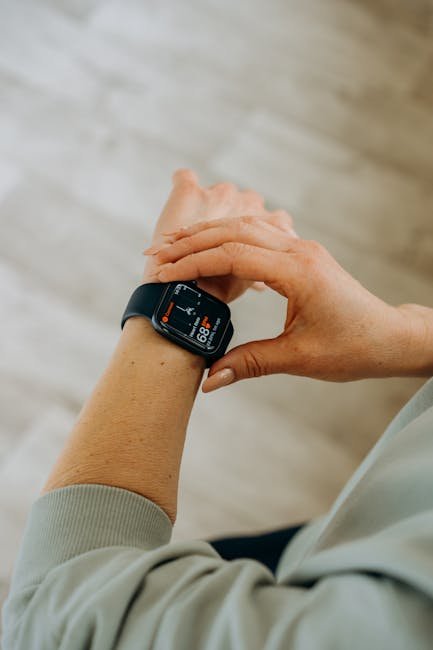
The location of your wearable device significantly affects its performance. For wrist-worn devices, it’s generally recommended to wear them just above the wrist bone, ensuring that the sensors maintain close contact with your skin without being too tight. If you are using a heart rate monitor, consider wearing it on your forearm or upper arm for better accuracy. For fitness trackers, some users find that wearing them on the ankle can provide a more stable reading during activities like running or cycling. Additionally, chest straps tend to deliver the most accurate heart rate data due to their proximity to the heart. Evaluate the type of activity you will engage in and choose a position that minimizes movement while ensuring comfort. Testing different locations can help you find the most effective spot for your specific needs.
3. Ensuring a Proper Fit
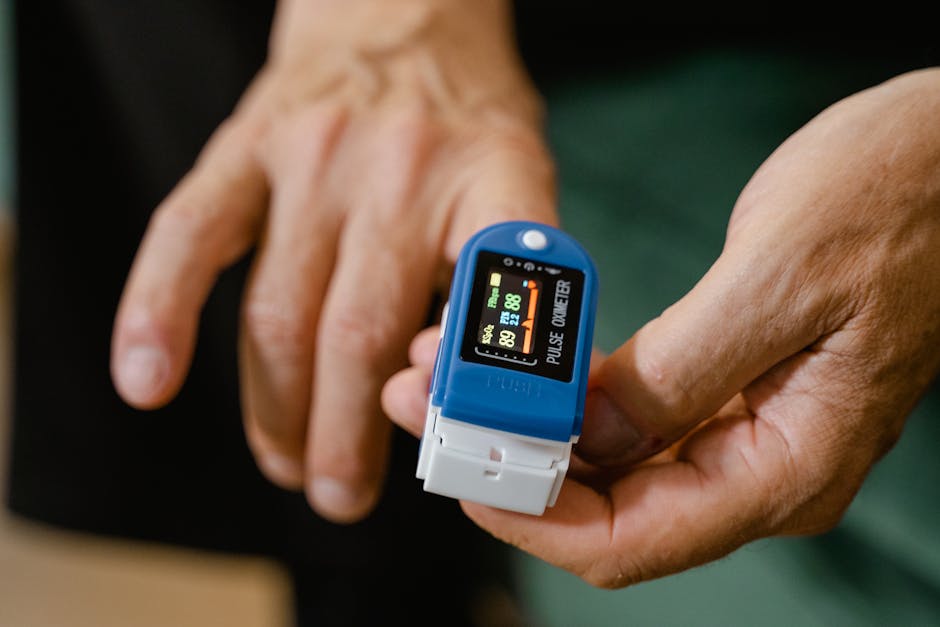
A snug but comfortable fit is vital for maximizing the accuracy of your wearable device. If it’s too loose, the sensors may lose contact with your skin, leading to erratic readings. Conversely, if it’s too tight, it may cause discomfort and restrict blood flow, which can also affect data accuracy. Most wearable devices come with adjustable straps, allowing you to find the right balance. For example, if you notice spikes in your heart rate during periods of rest, it could be a sign that your device is not fitting correctly. You should be able to slide a finger between your skin and the device, indicating that it’s snug without being restrictive. Take the time to adjust the fit, especially during workouts or activities where movement is frequent, to enhance the reliability of the data collected.
4. Cleaning Your Device Regularly
Dirty sensors can significantly impact the performance of your wearable device. Sweat, dirt, and oils from your skin can accumulate on the sensors, leading to inaccurate readings. It’s important to clean your device regularly to maintain its accuracy. For most devices, a simple wipe with a soft, damp cloth will suffice. Avoid using harsh chemicals or abrasive materials that could damage the sensors. Additionally, it’s advisable to remove your device and clean both the sensors and your skin periodically, especially after intense workouts. Some brands offer cleaning kits specifically designed for their devices, which can help you keep everything in optimal condition. By maintaining your wearable’s cleanliness, you can ensure that it provides reliable data consistently.

5. Syncing Your Device Correctly
Proper syncing of your wearable device with its companion app is crucial for accurate data interpretation. Many devices require periodic syncing to ensure that data is updated and analyzed correctly. Check your device settings to determine how often it syncs with your smartphone or computer. Regularly syncing allows the device to calibrate its sensors based on recent data, optimizing future readings. For example, if your device tracks sleep patterns, syncing before bedtime can ensure that it starts with the most current data parameters. Additionally, ensure that your app is updated frequently to benefit from the latest features and fixes. It’s also wise to review the app’s settings to customize your data collection preferences, which can enhance the accuracy of your wearable’s performance.
6. Understanding Different Activities and Their Impact
Different activities can affect how well your wearable device performs. For instance, if you’re running, your wrist movements can cause additional strain on the sensors, leading to inaccuracies. In this case, consider switching to a chest strap heart monitor, which tends to be more stable and accurate during high-intensity workouts. Likewise, if you’re engaged in activities that require more range of motion, such as yoga or weightlifting, wearing the device higher on your wrist may reduce interference from movements. Understanding how your activity influences data can help you adjust your device’s position accordingly. Additionally, some wearables offer specific modes for different exercises, which you should activate to enhance accuracy based on your workout. Experimenting with these settings can significantly improve the quality of data you receive.
7. Monitoring and Adjusting for Personal Comfort
Finally, personal comfort plays a vital role in the accuracy of your wearable device. If you’re uncomfortable, you’re less likely to wear it consistently, which can lead to gaps in data collection. Pay attention to how your device feels throughout the day. If you experience irritation or discomfort, consider adjusting the fit or changing its position. Some users may find that wearing the device on the opposite wrist or switching to a different style improves their experience. Moreover, if you tend to sweat a lot, look for devices that are designed with moisture-wicking materials or breathable straps. Comfort is key to achieving consistent use, and when you wear your device regularly, you’ll gain more reliable insights into your health and fitness over time.
Conclusion
Properly positioning your wearable device is an essential step towards ensuring its accuracy and reliability. By understanding how your device works, selecting the right location, maintaining a proper fit, and keeping it clean, you can significantly enhance its performance. Additionally, being mindful of how different activities impact data collection and ensuring personal comfort will lead to a better experience overall. With these step-by-step instructions, you can maximize the potential of your wearable device, allowing you to make informed health decisions based on accurate data. Embrace these practices, and you’ll not only improve your health tracking efforts but also your overall wellness journey.